TeraBox vs Google Drive: Which Cloud Storage Is Better in 2025?
Choosing the right cloud storage is essential for both personal and business users. Among the popular choices today, TeraBox and Google Drive stand out—but for completely different reasons.
TeraBox attracts users with its massive 1TB of free storage, while Google Drive is known for its reliability, ecosystem integration, and strong security features.
So, which one should you use?
This detailed comparison breaks down the features, pricing, safety, speed, and usability of TeraBox vs Google Drive to help you make the right choice.
What Is TeraBox?
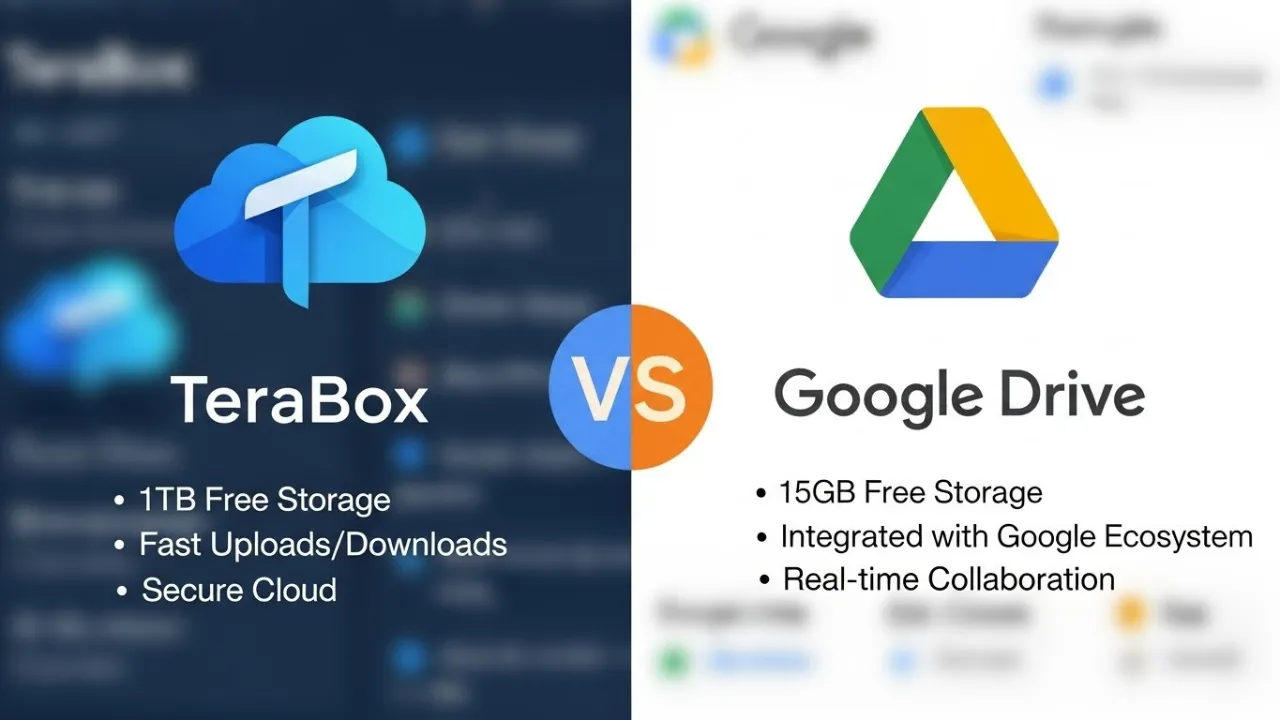
TeraBox is a cloud storage service known for offering 1TB of free storage, making it a popular choice for users who need large space without spending money. It includes:
- File backup and sync
- Password-protected sharing
- Personal Vault for secure storage
- Mobile and desktop app support
TeraBox is ideal for storing large media files and basic cloud backups.
What Is Google Drive?
Google Drive is one of the most trusted cloud storage platforms in the world. It seamlessly integrates with Google’s ecosystem, including:
- Gmail
- Google Docs, Sheets, Slides
- Google Photos
- Google Workspace
It offers excellent collaboration features, strong security, and stable performance—widely used for both personal and professional work.
TeraBox vs Google Drive: Quick Comparison
| Feature | TeraBox | Google Drive |
|---|---|---|
| Free Storage | 1TB | 15GB |
| Paid Plans | Cheap | Moderate |
| Security | Basic | Advanced |
| Speed | Average | Fast |
| Sharing Options | Good | Excellent |
| Collaboration | Limited | Best-in-class |
| Ecosystem Integration | Low | Very strong |
| Best For | Large storage seekers | Students, professionals, businesses |
Storage Capacity Comparison
TeraBox Storage
TeraBox is unbeatable in terms of free storage. It offers:
- 1TB free storage
- Premium plans that increase speed and remove ads
This makes it great for heavy storage users like content creators, photographers, and businesses that handle large files.
Google Drive Storage
Google Drive gives:
- 15GB free storage (shared across Gmail, Google Photos, and Drive)
- Affordable paid plans via Google One
While 15GB is much lower, it offers better organization and faster performance.
Security and Privacy Comparison
TeraBox Security
TeraBox provides:
- SSL/TLS encryption
- Server-side file protection
- Password-protected file sharing
- Personal Vault feature
However, it lacks zero-knowledge encryption, meaning the company can technically access stored files. Privacy concerns are higher compared to Google.
Google Drive Security
Google Drive is one of the most secure cloud storage platforms, offering:
- Zero-trust security model
- Two-factor authentication
- Advanced malware protection
- Industry-grade encryption
- Regular security audits
Google is a far more transparent and trusted company, making Drive safer for sensitive data.
File Sharing and Collaboration
TeraBox Sharing
You can:
- Share files with links
- Set passwords
- Use a limited collaboration system
Suitable for simple file sharing.
Google Drive Sharing
Google Drive excels with:
- Real-time collaboration (Docs, Sheets, Slides)
- Permission controls (viewer, commenter, editor)
- Instant syncing across all devices
- Team options (Google Workspace)
Perfect for students, remote workers, and businesses.
Speed and Performance
TeraBox Speed
- Slower upload/download speeds, especially for free users
- Occasional limitations and ads
- Good for storage but not ideal for rapid workflow
Google Drive Speed
- Fast and reliable syncing
- Smooth uploads and downloads
- Works well across multiple devices
Google Drive clearly wins in performance.
Pricing Comparison
TeraBox Pricing
- Free Plan: 1TB
- Premium Plans: Very affordable
- Designed for large storage at a low cost
Google Drive Pricing (Google One)
- Free Plan: 15GB
- Premium Plans: Higher cost but superior service and features
Google Drive costs more, but the value and reliability justify it.
Which One Should You Use?
Choose TeraBox If:
- You need massive free storage
- You store non-sensitive files like photos, videos, documents
- You want a budget-friendly cloud storage
- You need a backup service for large files
Choose Google Drive If:
- You need strong security and privacy
- You work with teams or clients
- You use Gmail, Google Docs, or Android
- You want reliable syncing and fast speeds
- You store important or sensitive documents
Final Verdict: TeraBox vs Google Drive
Both cloud services serve different types of users:
- TeraBox is best for large, everyday storage at no cost.
- Google Drive is best for professional work, collaboration, and secure storage.
If you want 1TB free storage, choose TeraBox.
If you want security, speed, and collaboration tools, choose Google Drive.